ZBrush
What’s New
ZBrush is the industry standard digital sculpting software. The latest version features an updated Anchors Brush system which provides an intuitive way to deform meshes by applying anchors onto a mesh while allowing for actions to be performed. The Knife Brushes gain increased design dexterity with a Split to Parts feature set allowing parts to be cut off and retained. Insert Mesh brushes are now compatible with Stroke menu options providing a wild range of visual possibilities. Designing surface details and adding secondary elements to models is now more easily achieved with the Repeat to Similar functionality, and the new DragStamp stroke option helps to advance surface details while buttons like Crease UnMasked and Uncrease UnMasked set the stage for dynamic edge control. The Gizmo and Transpose functions include topology masking for both tools while allowing snapping on perfectly masked areas. The Gizmo is now capable of snapping to the center of masked regions, and the addition of Cinema 4D noises provide robust methods for detailing assets. ZBrush provides access to diverse workflows and limitless creative possibilities.
- Anchor Brush
- Gizmo/Transpose Masking
- C4D Noises
- Repeat to Similar
- Grow/Shrink Mask
- Knife Brush Split to Parts
- DragStamp
- Crease Unmasked/Uncrease Unmasked
ZBrush
Born in Clay
ZBrush sets the industry standard for digital sculpting and painting. Its features enable you to use customizable brushes to shape, texture and paint virtual clay in a real-time environment that provides instant feedback. When you use ZBrush you'll be empowered by the same tools employed by film studios, game developers, toy/collectible makers, jewelry designers, automotive/aviation designers, illustrators, advertisers, scientists and other artists the world over. In fact, we have even received an Academy Award for the technology that powers ZBrush.
In short, ZBrush is an art tool created by artists, for artists. It allows you to create models and illustrations limited only by your imagination, at a speed that allows you to stand out in today's fast paced industry.
ZBrush
Digital Sculpting
Get empowered by the world’s leading digital sculpting solution. The powerful systems inside of ZBrush are designed to eliminate the constraints of traditional modeling and allow you to create freely, just as you would with clay.
When you’re ready to move your 3D sculpt into a pipeline for animation, rendering or 3D printing, the tools to do so are at hand.
- Base Mesh Creation
- Dynamic Sculpting Brush System
- Sculptural Freedom
- Polygon Modeling Options
- Remeshing Options
- Flexible Workflows

ZBrush
Painting & Texturing
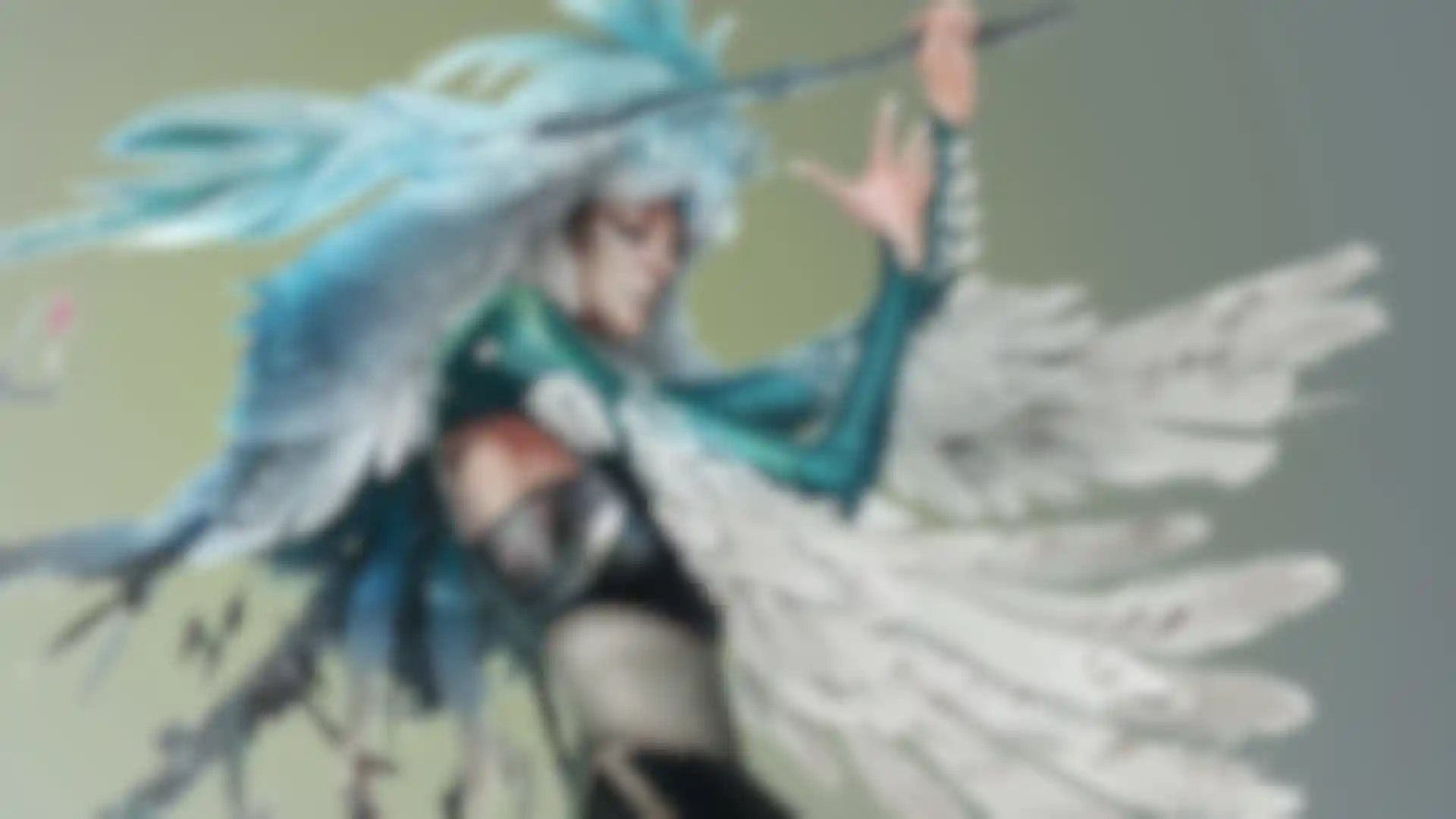
Because ZBrush works with tens of millions of polygons in real-time, you can paint directly on the surface of the model without first assigning a texture map or UV’s. This offers significant advantages compared to a standard workflow. The resolution of the texture map does not need to be decided in advance. You have the freedom to visualize, explore and create textures in 3D, and in real time.
ZBrush
Ready, Set, Render
Whether you are using ZBrush by itself as an illustration tool or as part of a production pipeline for animation, you will at some point want to show your work to others. ZBrush makes this possible using Redshift, as well as a powerful rendering system called BPR (Best Preview Render).
ZBrush
Tools Pipeline
The intuitive approach of ZBrush doesn’t end with sculpting and painting. Interoperability is at your fingertips, with support for key file formats and real time integration with a number of popular software packages.
ZBrush
Community
ZBrush is not just an application. You’ll be welcomed into one of the largest communities of artists gathered around any 3D software. From our active online community at ZBrushCentral, to our community events, ZBrushLIVE streams and online learning platforms - we believe in helping artists elevate one another.
ZBrush
Requirements
ZBrush is available in the following languages: English, German, Spanish, Korean, Chinese, French, Japanese
ZBrush is available for both Windows and macOS platforms, and the licensing is dual platform so you can run on both or change between them at any time.
Thanks to its processor-based engine, ZBrush runs well on most modern computers regardless of their graphics cards.
A graphic tablet (such as from Wacom) is strongly recommended. It will give you more control and easier interaction.
Support now extends to include Apple M1 and M2 Silicon Graphics chip processing. Take advantage of the latest technology while working inside the world’s most powerful digital sculpting software.